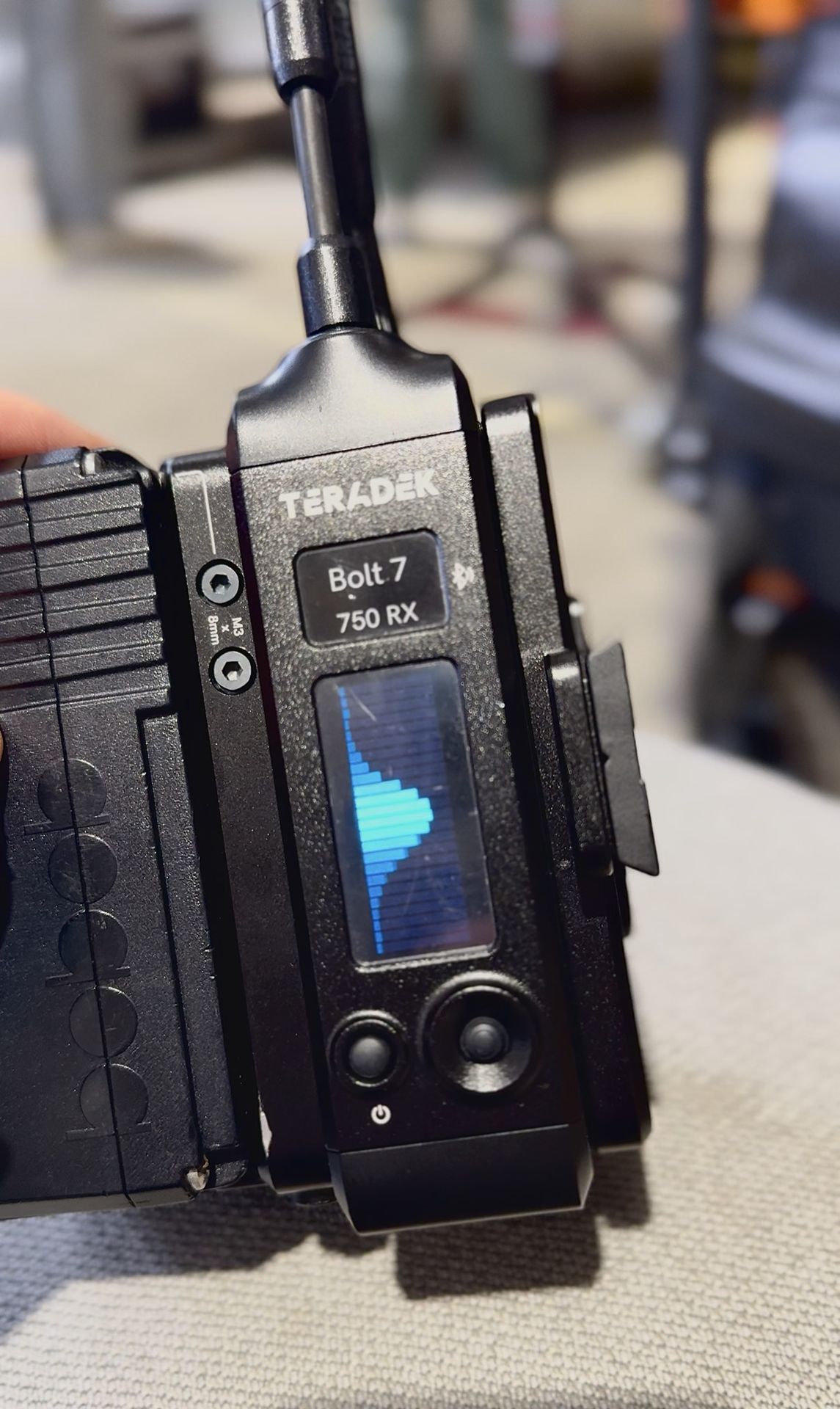
A first look at Teradek's next generation of wireless video, straight from the set.
We got our hands on the new Teradek Bolt 7 TX and RX! 😃
Over the past few weeks, we've had the chance to play around with the new system on set, testing some of its features and seeing how it fits into our everyday workflow.
And since we're working with beta units, we thought we'd share a few of our first impressions with you.
First Things First: We Like the Design!
The Bolt 7 makes a really good first impression. Both units feel compact, solid and well built.
Admittedly, the number of antennas, especially their different shapes and sizes, takes a little getting used to. But overall, we really like the design!
The removable V-Mount plates are another nice touch, making the units even slimmer when needed.
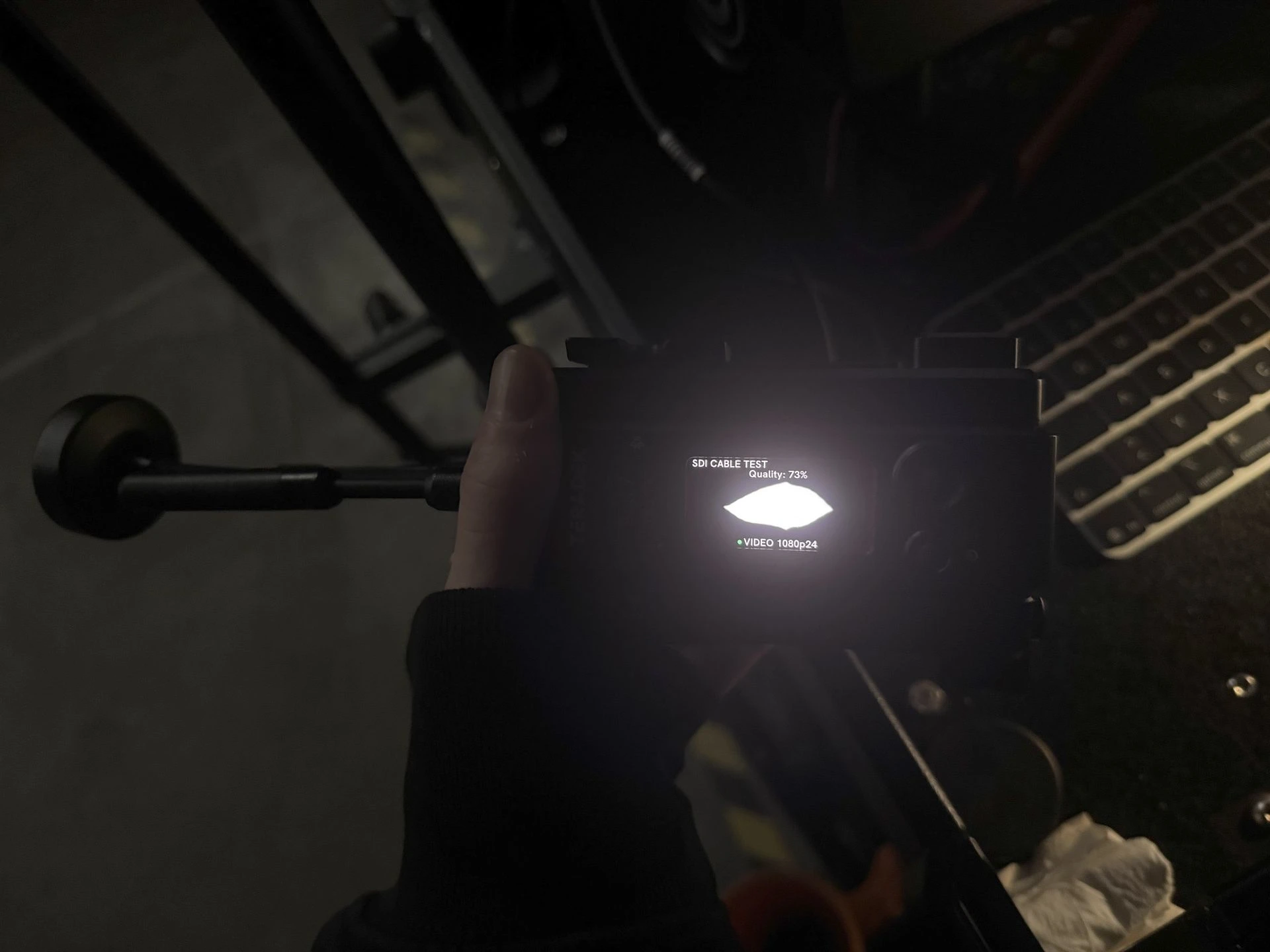
One feature that caught our attention was the new SDI Cable Test Tool. Being able to quickly check the condition of an SDI cable directly on the unit could be a real lifesaver and first troubleshooting feature on set. We're still curious to see how accurate it is, though.
What About Our Existing Bolt 6 Gear?
Naturally, one of the first things we wanted to try was pairing the Bolt 7 with our existing Bolt 6 systems.
And that worked beautifully!
Both the TX and RX paired straight away with their Bolt 6 counterparts, and we had a video link almost immediately.
We did notice some unexpected wireless interference when running several units together, but that's something we're still investigating.
After all, that's exactly what beta testing is for, right? ;)
Wireless Camera Control? Yes, Please!
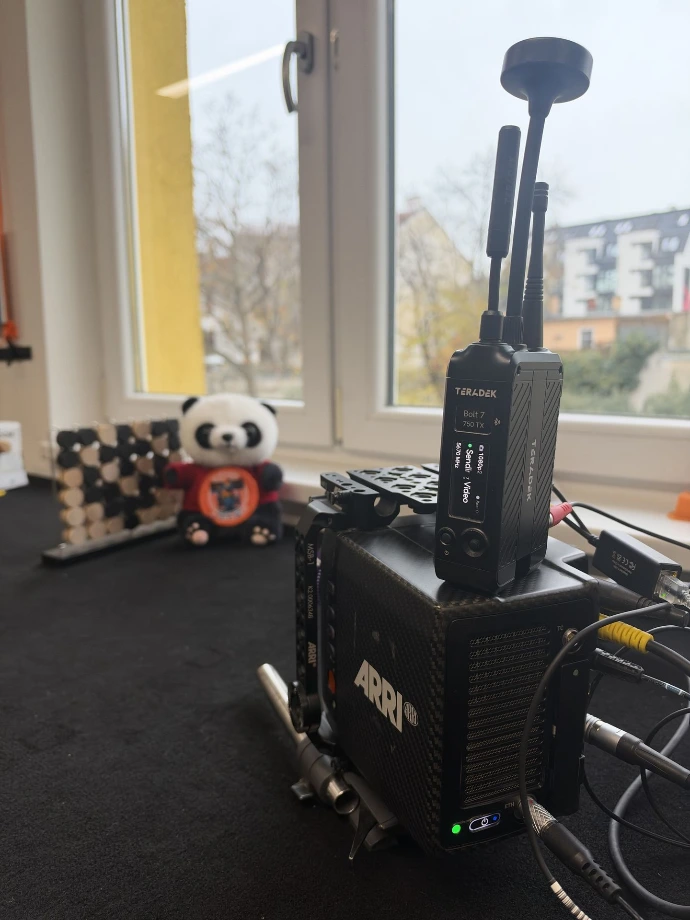
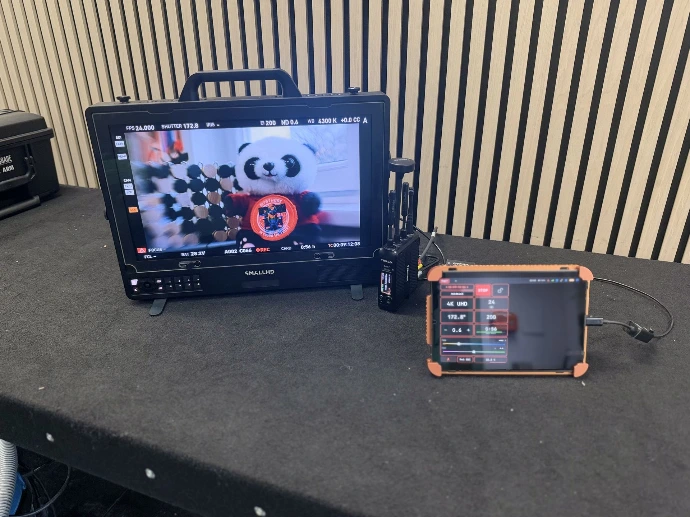
With the updated firmware, we also got to test the wireless data channel for camera control with an ARRI ALEXA.
The setup was surprisingly straightforward, at least if you're somehow familiar with Ethernet and IP configurations. 😅
We even managed to use bit.ctrl, the camera control app from bit part, directly through the Bolt 7.
We also did a quick little range test, with signals travelling through several walls, a building and across a parking lot. The Bolt 7 managed around 80 to 100 meters for camera control data using the EU antennas.
Not bad for a spontaneous field test!
A Colorful Little Upgrade: The New OLED Display
Another new thing is the color OLED display and its intuitive menu navigation.
A nice little detail is the red border around the screen, which immediately lets you know when the camera is recording, if REC trigger is being transmitted, of course.
The different status screens give you a quick overview of pretty much everything you need to know:
Video format, frame rate and the video frequency currently in use
TX/RX serial numbers and the number of paired devices
Battery voltage, including a nice little graphical indicator
Frequency band, channel and connection status
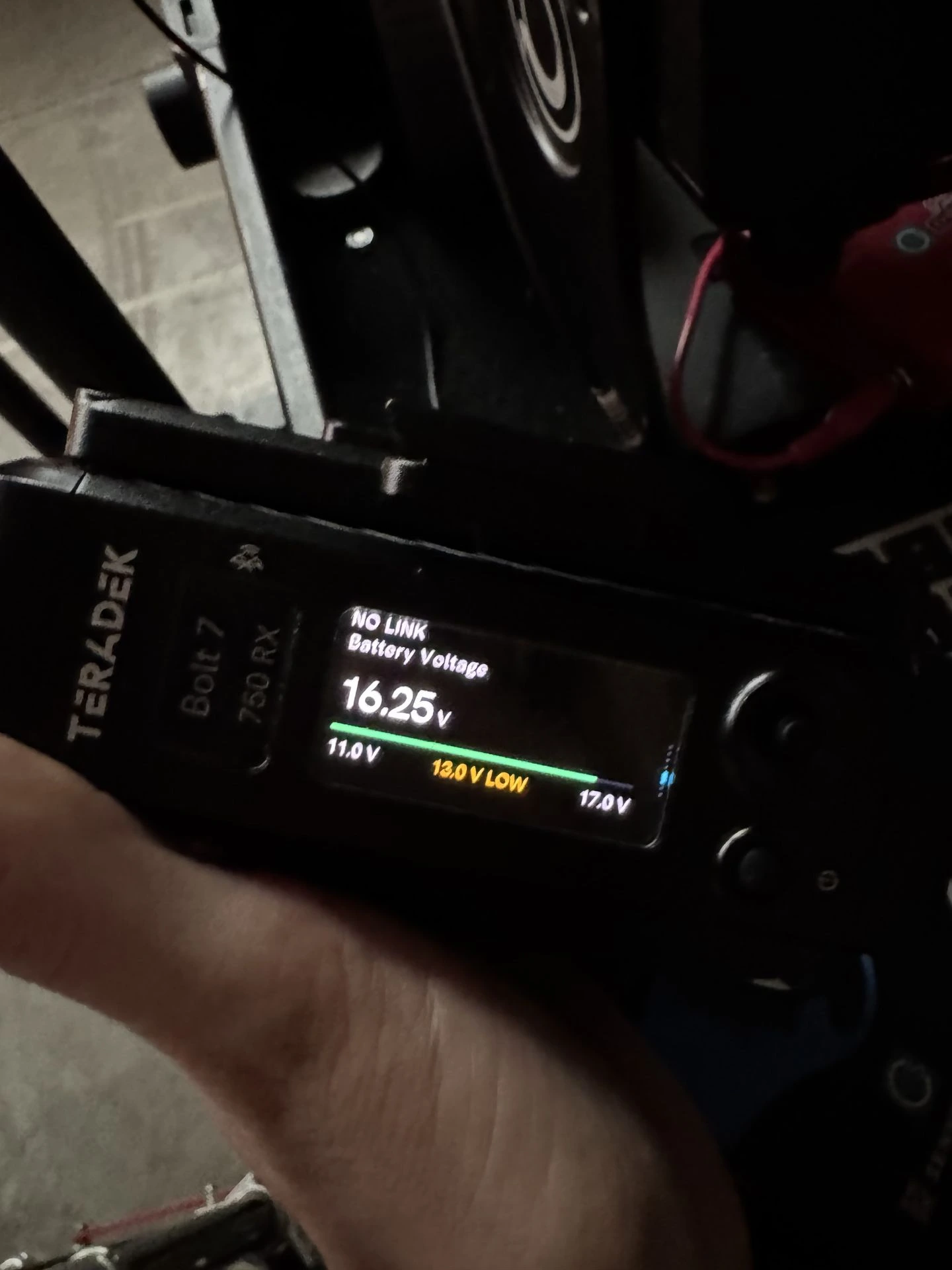
And the new Quick Action Menu makes things even easier, giving you direct access to frequency settings, pairing and the test pattern.
It's one of those little improvements that you wouldn’t think you need, unless you have it.
More Control Through the Web Interface
Another interesting addition is the possibility to connect the Bolt 7 directly to a laptop and access its settings through an IP-based web interface.
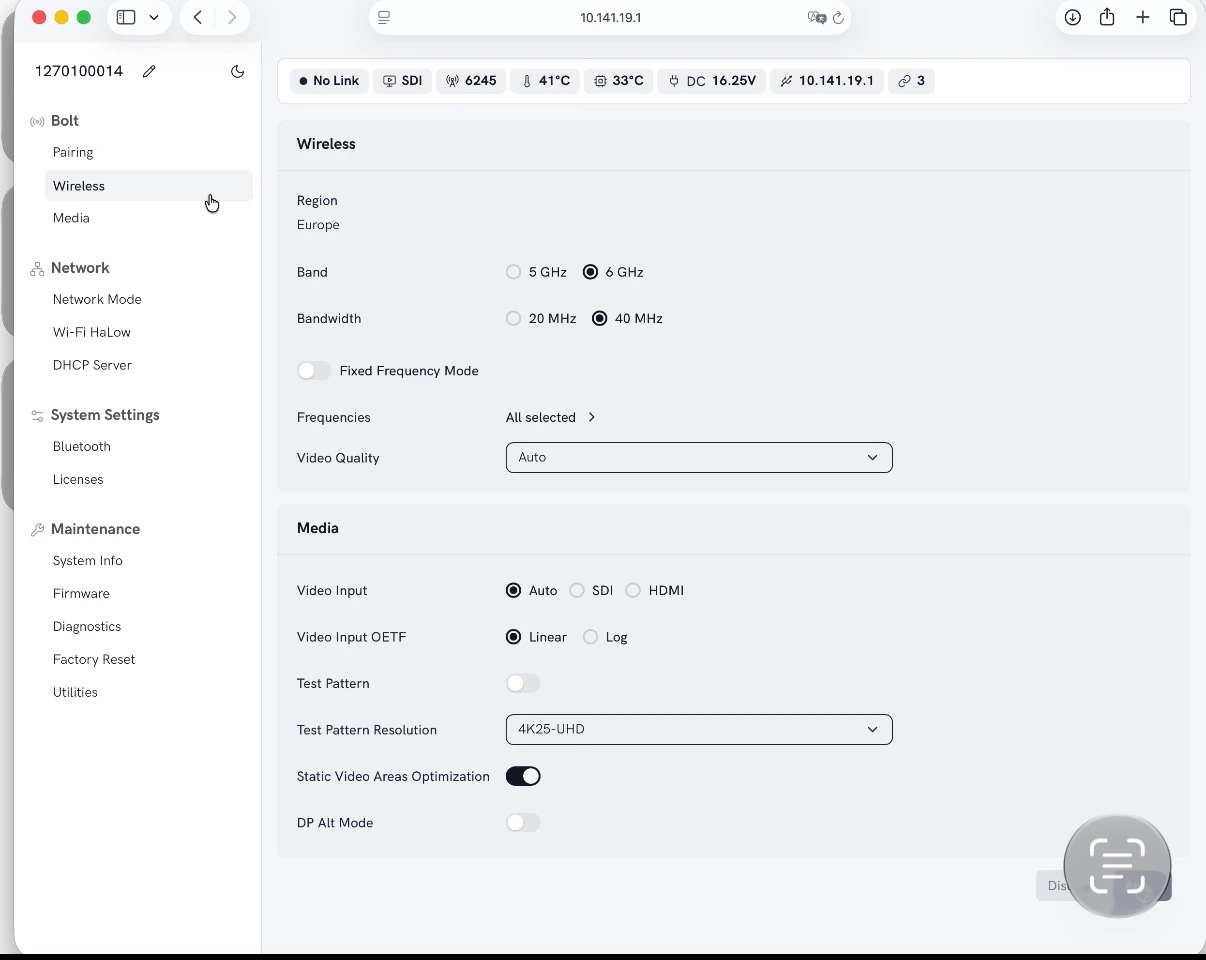
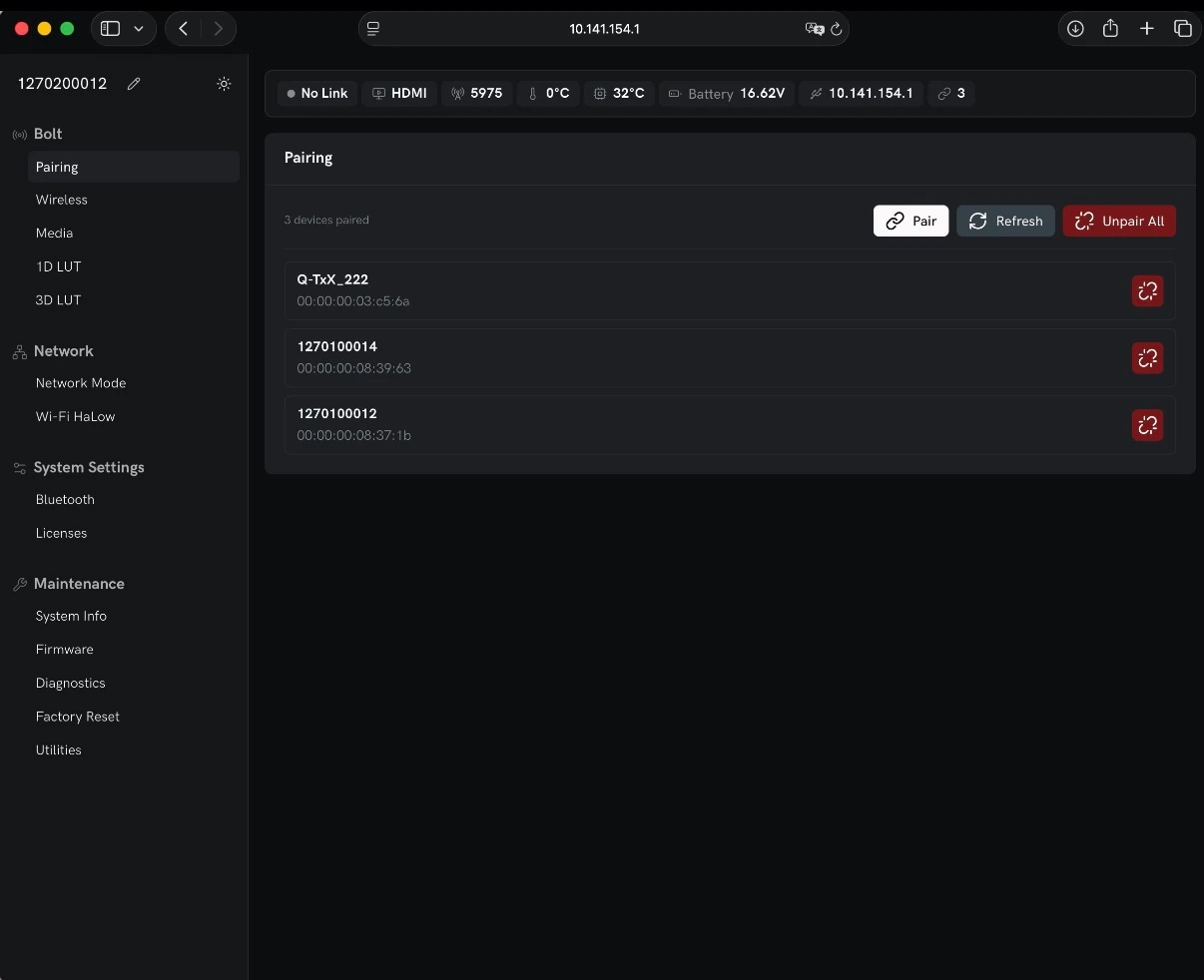
This opens up quite a few options, including:
Switching between Full and Legal video range
Uploading 1D and 3D LUTs in various formats (cube, dat, 3dl, lut, m3d, cdl, …)
Performing firmware updates
Adjusting network settings
And that's just to name a few!
It's great to have these settings accessible through a browser, especially when you want to configure a system without clicking through menus on the device itself.
Definitely something we're looking forward to exploring further!
So, What's Our First Impression?
Overall, the Bolt 7 is off to a promising start!
We like the compact design for a true 4K System, the new features and especially how easily it integrates with our existing Bolt 6 equipment.
There are still a few things we'd love to see improved, such as the startup time and additional mounting options. But it's exciting to see what Teradek is working on.
Personally, we still love the compact, fanless Bolt 6 LT for many everyday setups. But for productions requiring a 4K workflow, the Bolt 7 definitely looks interesting.
We're also looking forward to getting our hands on the Bolt 7 MAX and exploring its additional features.
For now, these are just our first impressions with beta hardware and firmware, and there's definitely more to discover.
More testing, more feedback, and hopefully more exciting features to come!
Big thanks to the Creative Solutions team for letting us get an early look at the new Bolt 7!
The MOBY TEC Team